Last updated October 15, 2026
Total Privacy
At Basenotes, we believe your personal notes should be totally private. Our simple approach: we don't collect, store, or have access to your personal data. This privacy policy explains our commitment to protecting your privacy.
Your notes live on your device and, if your device is signed in to iCloud, in your own iCloud account — a copy we cannot read, kept there so that your notes sync between your devices. Two optional features can move data off your device, but only if you choose to turn them on: voice-note transcription (Apple's speech recognition) and usage analytics (off by default). iCloud sync and both optional features are described in full below.
We Don't Collect
We do not collect, store, or have access to:
- Your personal information (name, email, phone number)
- Your notes, agenda items, or any content you create
- Your location data
- Your contacts or address book
- Advertising identifiers (such as IDFA) or cross-app tracking identifiers
- Photos or media (except those you choose to add to your notes)
(One exception: if you turn on optional usage analytics — off by default — we collect limited product-usage data. See "Analytics" below.)
How Basenotes Works
Stored on Your Device, and in Your iCloud
- All your notes, agenda items, and app settings are stored on your device
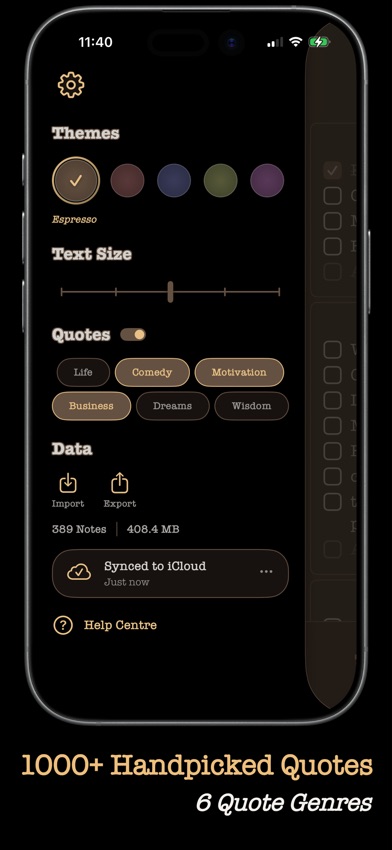
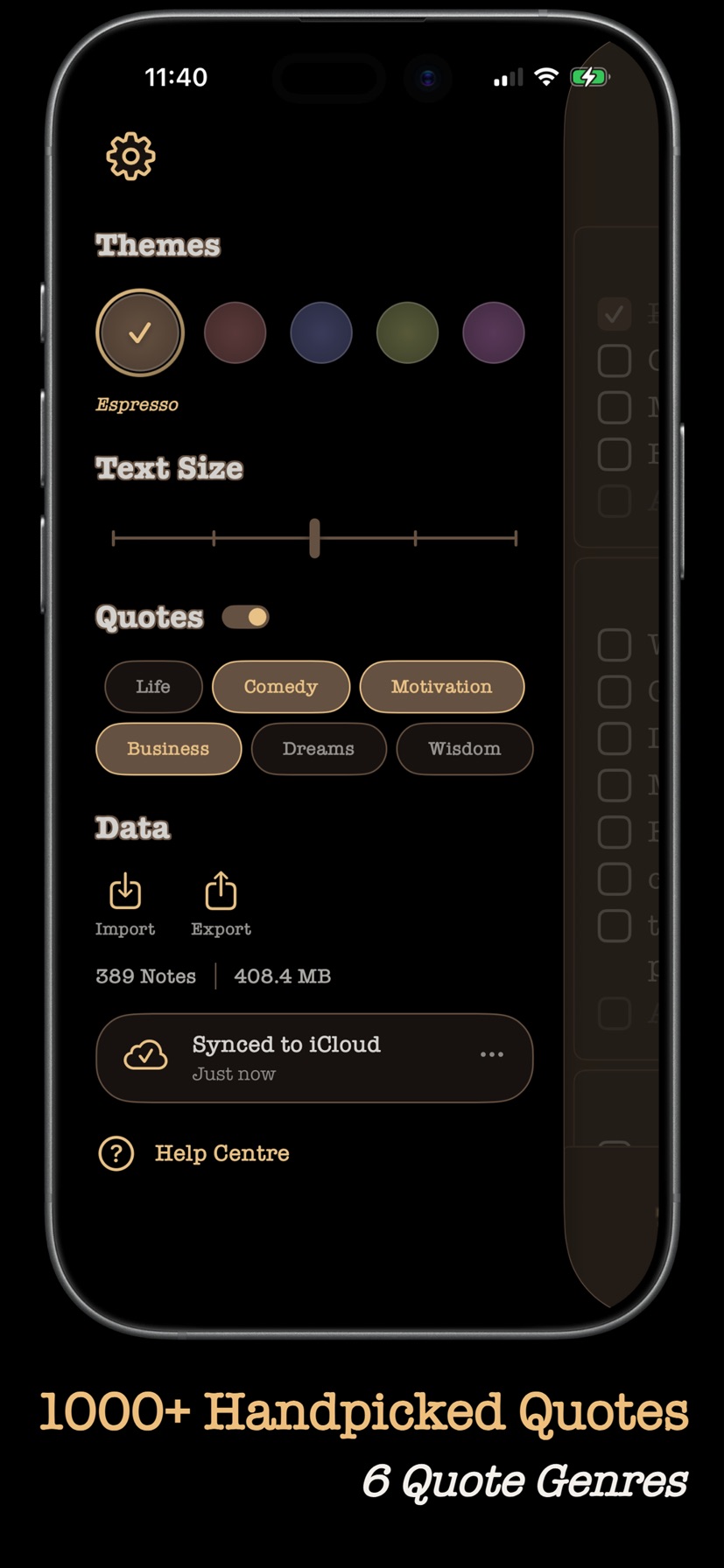
- If your device is signed in to iCloud, your notes, folders, agenda and archive are also kept in the private iCloud database of your own Apple Account, so that they are the same on all your devices (see "iCloud Sync" below)
- We have no servers that store your data — iCloud is your storage, not ours
- We cannot access, read, or recover your notes, on your device or in your iCloud
- Beyond your own iCloud account, your data leaves your device in two cases, each of which you choose: (1) when you explicitly export it, and (2) when you use voice-note transcription, which sends audio to Apple's speech recognition service to create a text transcript (see "Voice Notes and Transcription" below)
No Account Required
- Basenotes works without creating an account
- No login, no passwords, no email verification
- You start using the app immediately after download
Data You Control
- You maintain complete ownership of all content you create
- Deleting the app removes all data from your device. The copy in your iCloud account stays there until you delete it — from Basenotes' settings before you delete the app, or by reinstalling and deleting it then (see "iCloud Sync" below)
Photos and Media
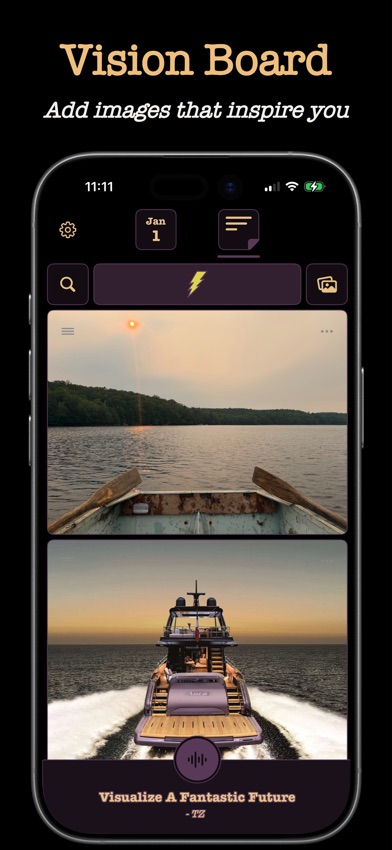
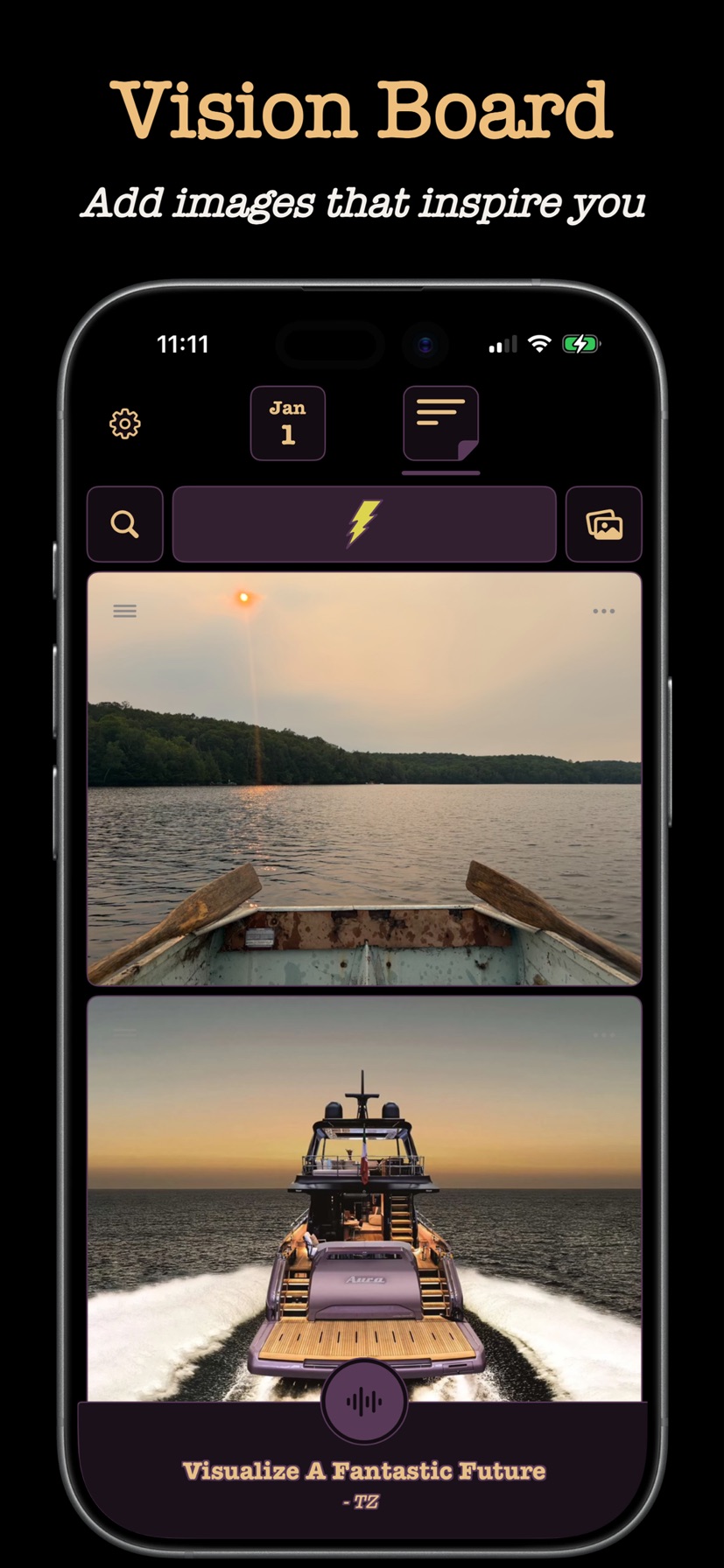
- If you add photos to your notes, they are stored on your device — and, while iCloud sync is running, in your own iCloud account
- We don't upload, backup, or access your photos
Voice Notes and Transcription
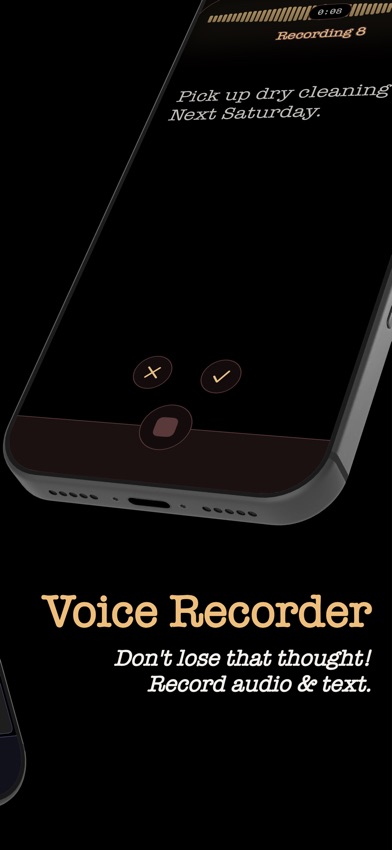
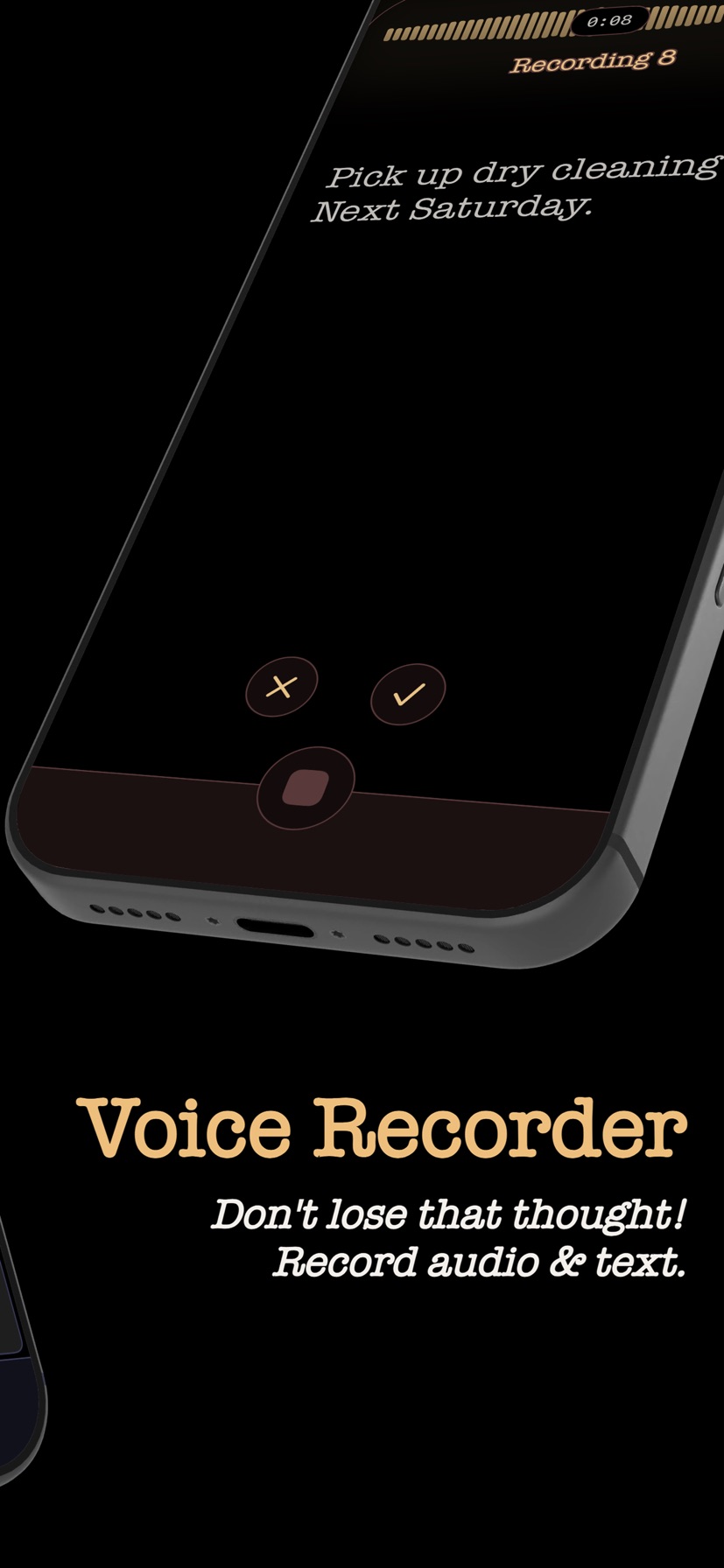
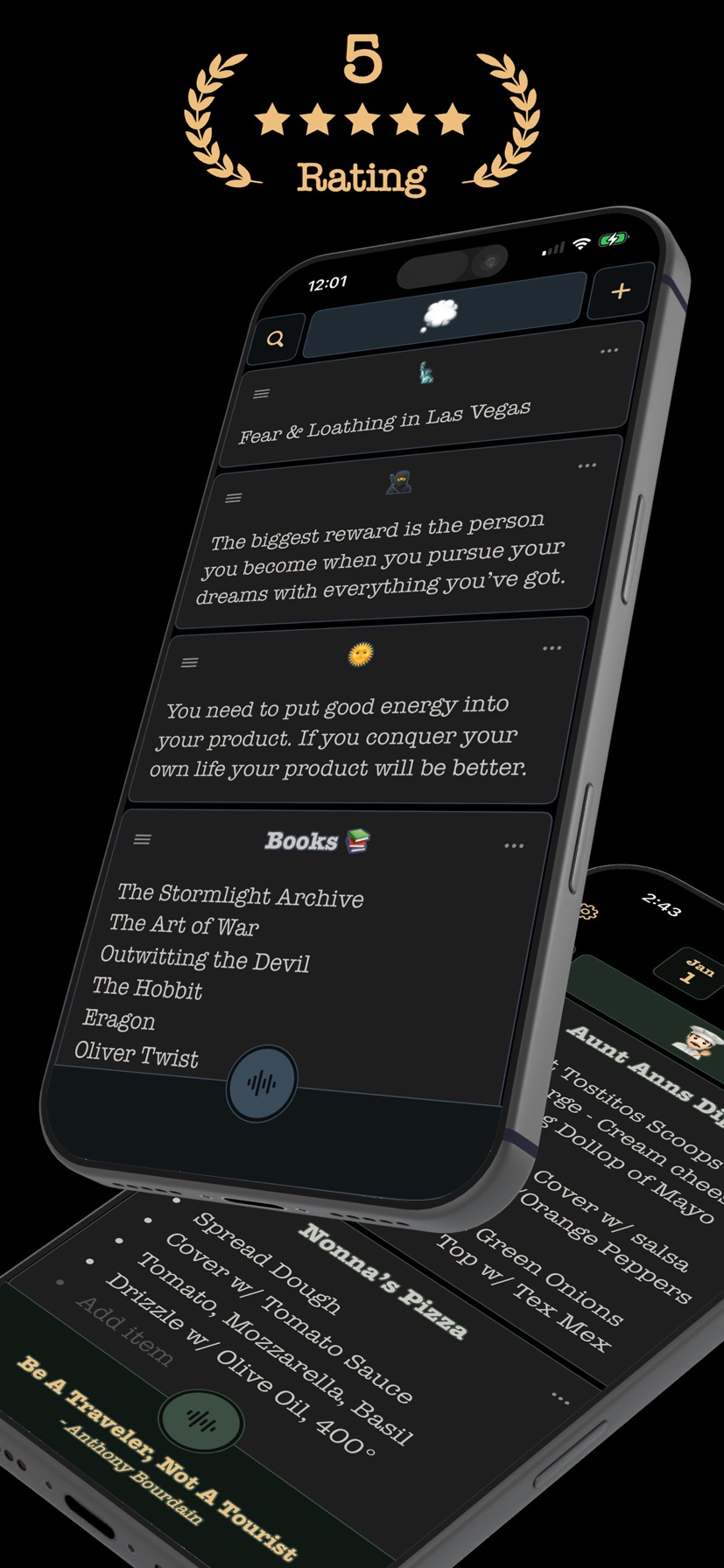
Basenotes lets you record voice notes. The audio recordings themselves are stored on your device — and, while iCloud sync is running, in your own iCloud account. We do not upload, back up, or have access to your recordings.
When you record a voice note, Basenotes uses Apple's speech recognition to generate a text transcript of what you say — the same technology iOS uses for dictation. To create this transcript, audio from the recording is sent to Apple's speech recognition service for processing. This means:
- Transcription requires an internet connection, and audio from your voice notes is transmitted to Apple to be converted into text.
- This processing is performed by Apple and is governed by Apple's Privacy Policy, not this one.
- Apple returns only the text transcript to the app. We, the developer, never receive your audio or your transcript — both remain on your device.
- Transcription only occurs if you grant Basenotes permission to use Speech Recognition. If you do not grant this permission, transcription will not run.
iCloud Sync
Basenotes keeps your notes, folders, agenda and archive the same across the iPhones and iPads signed in to your iCloud account, and keeps them safe if a device is lost or replaced. It runs automatically whenever your device is signed in to iCloud — there is nothing to set up or switch on. It does not run on a device with no iCloud account, and it never involves an account of ours: there is no Basenotes login.
While it runs:
- Your data is stored in the private iCloud database of your own Apple Account, using Apple's CloudKit. It is your iCloud storage, not ours: there are no Basenotes servers involved, and we have no access to that database — we cannot read, recover or delete what is in it.
- Your notes, folders, agenda items and archive are stored end-to-end encrypted, with keys tied to your devices that Apple does not hold. Images and voice recordings are encrypted in transit and at rest under keys Apple manages, the way iCloud stores files generally.
- Sync counts towards your iCloud storage. If your iCloud storage is full, sync pauses and the app tells you.
- If the iCloud account on your device changes, sync stops and waits for you to start it again from Basenotes' settings (Settings → iCloud Sync), so your notes never move into an account you did not choose.
To stop it, and to delete the copy in iCloud: Delete iCloud data, in Basenotes' settings (Settings → iCloud Sync), removes everything Basenotes keeps in your iCloud. Your notes stay on your device. Sync then stops on every device signed in to that iCloud account — each one keeps its own notes and will not upload them again until you turn sync back on there. Deleting the data from iOS Settings has the same effect.
Apple's handling of iCloud is governed by Apple's Privacy Policy and the iCloud terms, not this one.
Analytics
(Optional, Off by Default)
Basenotes includes optional product analytics to help us understand which features people use so we can improve the app. It is off by default and never runs unless you turn it on — through a one-time prompt, or in Settings → Basenotes → Share Anonymous Usage Data on your device.
If you turn it on, we collect pseudonymous usage events — for example, "a note was created" or "an alarm was set" — along with basic app and device context (such as app version, operating-system version, device model, language, and time zone) and a random per-install identifier that links these events together. This data:
- is not linked to your identity — no name, email, account, advertising ID, IP address, or location;
- is not used to track you across other apps or for advertising, and is never sold; and
- never includes your notes, folders, agenda items, recordings, transcripts, images, or anything you write.
Analytics data is stored on PostHog servers in the European Union and is retained for 1 year. PostHog, Inc. is based in the United States, so your data may be accessed from or transferred to the US under appropriate safeguards — the EU Standard Contractual Clauses and the EU-US Data Privacy Framework. You can turn analytics off at any time in Settings → Basenotes → Share Anonymous Usage Data; doing so stops collection immediately and resets the local identifier.
Third-Party Services
Basenotes uses minimal third-party services:
Apple Technologies
- We use standard iOS frameworks for app functionality
- Data remains subject to your iOS privacy settings
- Two features share data with Apple: iCloud sync keeps your data in your own iCloud account whenever your device is signed in to iCloud (see "iCloud Sync" above), and voice-note transcription, only if you turn it on, sends audio to Apple's speech recognition (see "Voice Notes and Transcription" above). Apple processes both under its own Privacy Policy and shares neither back with us.
PostHog (analytics — only if you opt in)
- If you opt in, usage events are stored on PostHog, Inc. servers in the European Union, with limited access from or transfer to the US under appropriate safeguards. See "Analytics" above.
Updates to This Policy
We may update this privacy policy to reflect changes in our practices or legal requirements. When we make changes:
- The "Last Updated" date will be revised
- For significant changes, we'll notify you through the App Store update notes
Your Rights
Your notes and everything you create stay on your device and in your own iCloud account (except as described above), so we cannot access, delete, or recover them for you — deleting the app removes them from the device, and Basenotes' settings let you delete them from your iCloud. You can also:
- Use Basenotes without sharing any personal information.
- Stop iCloud sync and delete what Basenotes keeps in your iCloud at any time, from Basenotes' settings (see "iCloud Sync" above).
- Turn analytics off at any time in Settings → Basenotes → Share Anonymous Usage Data, which stops collection immediately. The legal basis for this optional processing is your consent, which you can withdraw at any time. Because these events aren't linked to your identity, we can't single out or delete an individual's past events; PostHog retains all analytics data for 1 year. For questions, email contact@basenotes.io; if you're in the EEA or UK, you also have the right to complain to your local data protection authority.
Contact Us
If you have questions about this privacy policy or Basenotes:
Developer: Matt Collins App Name: Basenotes Email: contact@basenotes.io Website: https://basenotes.io/
Summary
Basenotes is designed with privacy at its core. Your notes are yours alone — we can't see them, access them, or share them. They live on your device and, when your device is signed in to iCloud, in your own iCloud account, end-to-end encrypted, which we cannot read. Two optional features can move data off your device only if you turn them on: voice-note transcription (audio goes to Apple to create a transcript, which stays on your device) and usage analytics (off by default; not linked to your identity, and never your content). Everything else stays on your device unless you choose to export it.
This privacy policy applies to the Basenotes iOS app available on the Apple App Store.